Automate bulk edits across multiple Word documents simultaneously.
Word Edits turns time-consuming document editing into automated workflows.
Now you can make changes directly in multiple .docx files at once using the Legora Assistant or Workflows. The result is fully updated Word documents, structured, formatted, and ready to use.
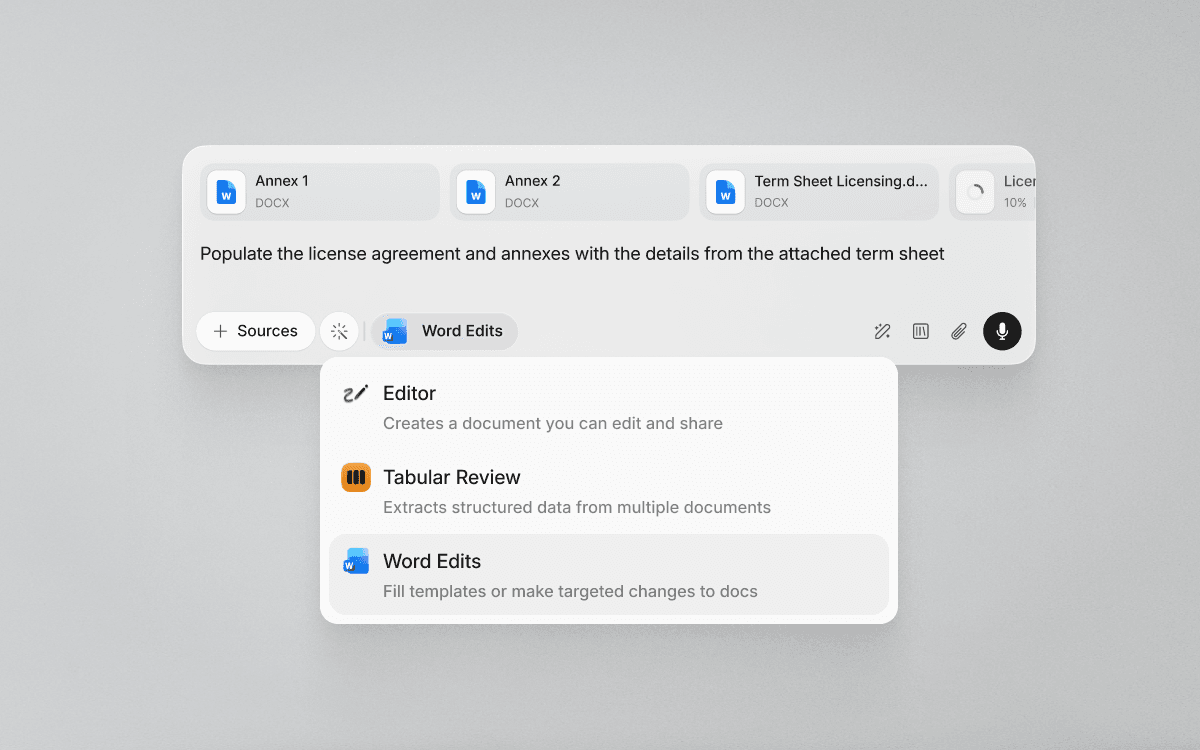
How to use Word Edits
Word Edits is built for high-volume, repeatable document work. Common use cases include:
Filling out templates in bulk
Apply consistent data or language across multiple Word documents at once.
Generating ancillary documents from a source file
Use a term sheet or master document to automatically populate related agreements.
Standardizing language across documents
Update clauses, policies, or terminology consistently across a document set.
Maintaining local or market-specific versions
Adapt policies or documents for different jurisdictions without manual rewrites.
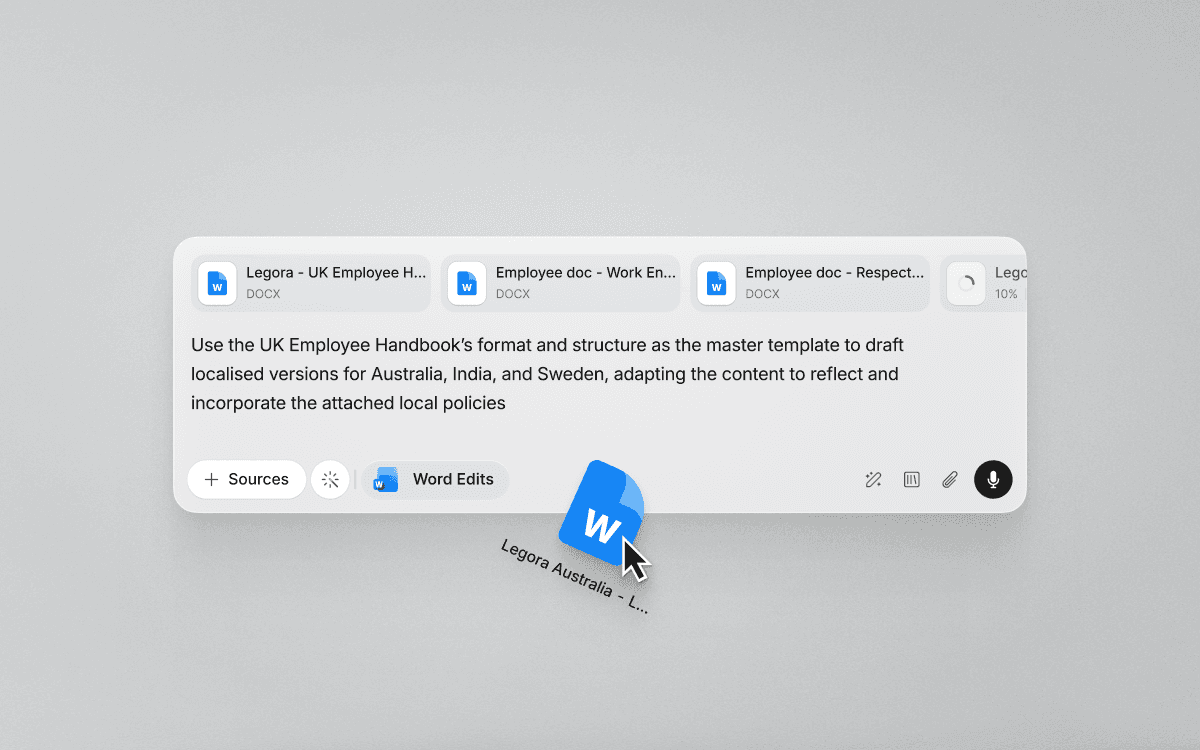
Built into Assistant and Workflows
Select Word Edits in the Legora Assistant to make make precise document edits through conversational instructions.
Word Edits in Workflows let you automate repeatable Word edits end-to-end. Perfect for recurring processes and document sets. Once configured, the same workflow can be reused whenever new documents come in.
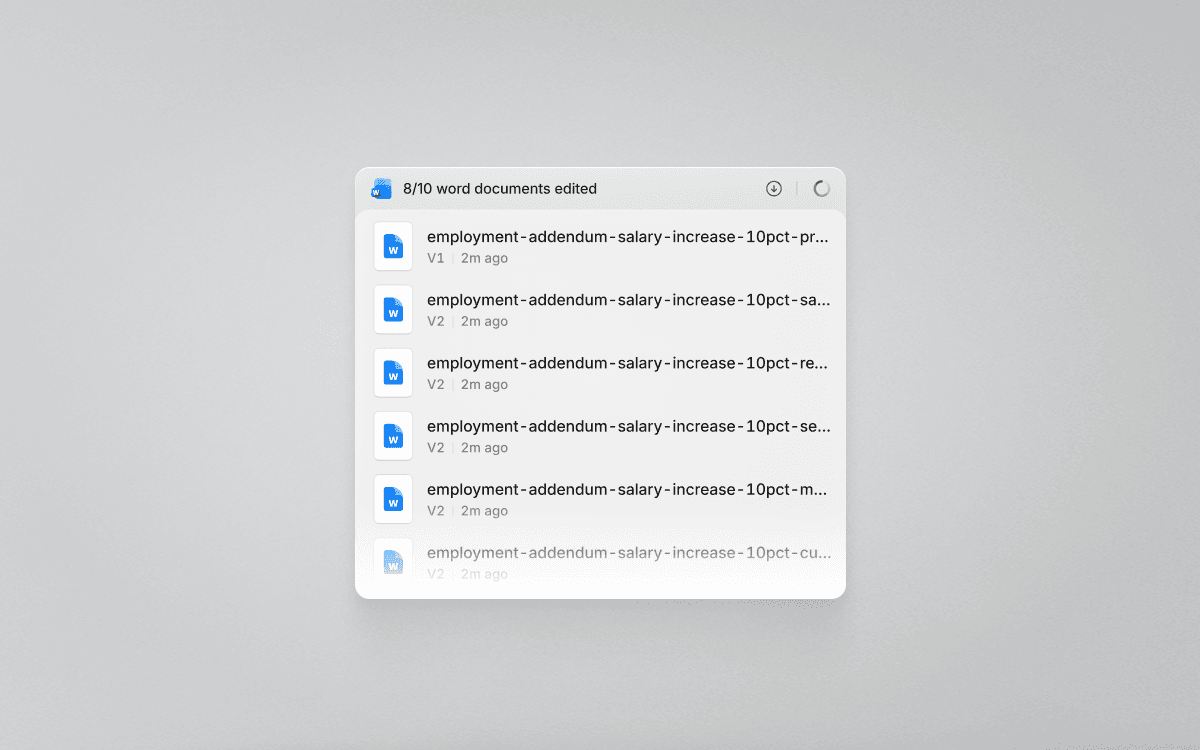
Available now
Word Edits is available for all Legora users as of today.