The Assistant is where much of the work happens in Legora. Today, we’re introducing a refreshed interface designed to make it easier to ask the right questions and move quickly from analysis to action.
What’s different about Legora’s new Assistant UI?
We’ve redesigned the Assistant to be simpler and more comfortable to use. All your tools, files, prompts, and workflows now live in menus.
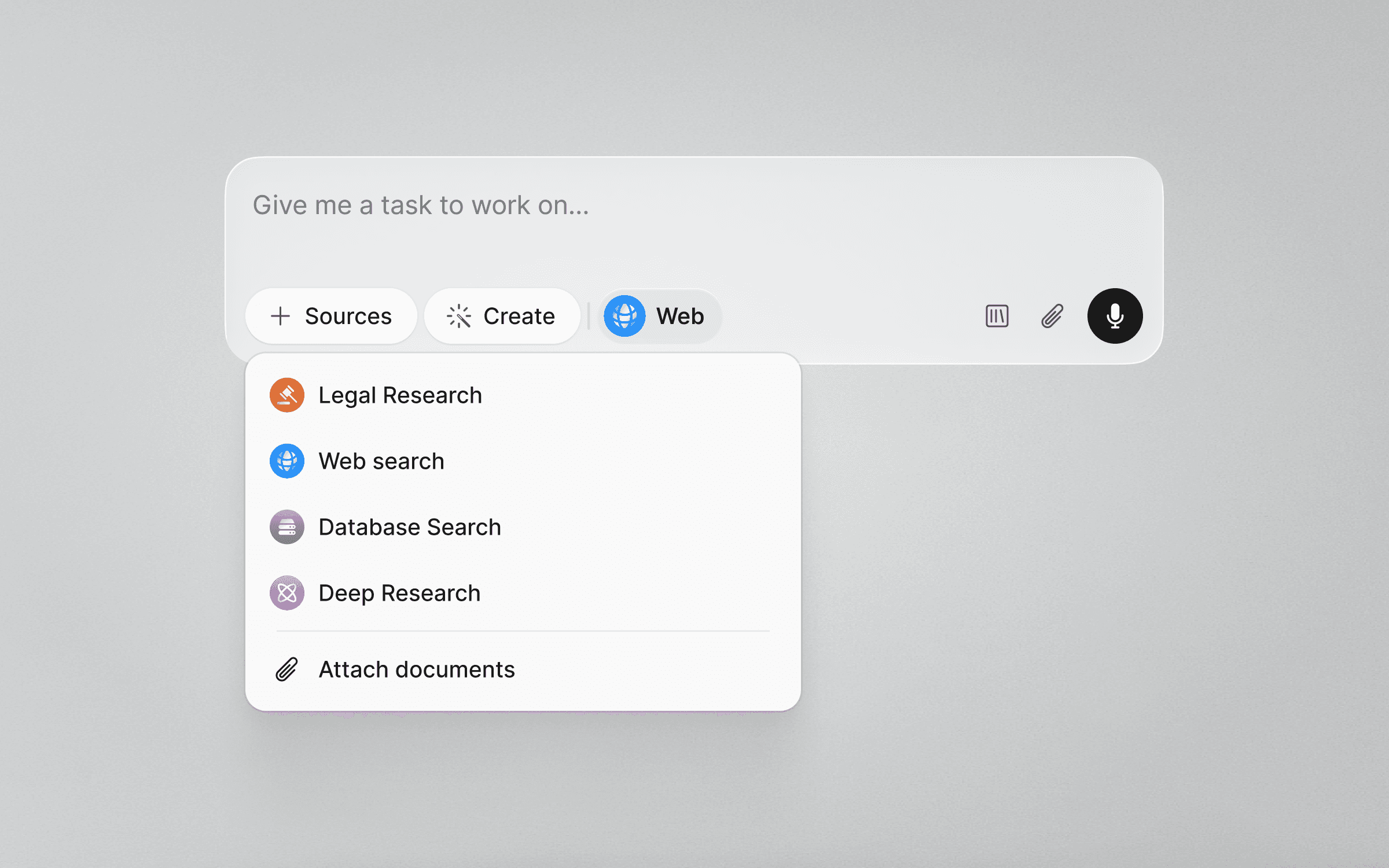
Hit Sources and choose:
Legal Research for when you want to cite accurately using credible and comprehensive legal sources.
Web search to access publicly available web sources.
Database Search to search in your selected databases and use that information to answer your query.
Deep Research for a, though somewhat slower, more in-depth research analysis.
Let the Assistant create
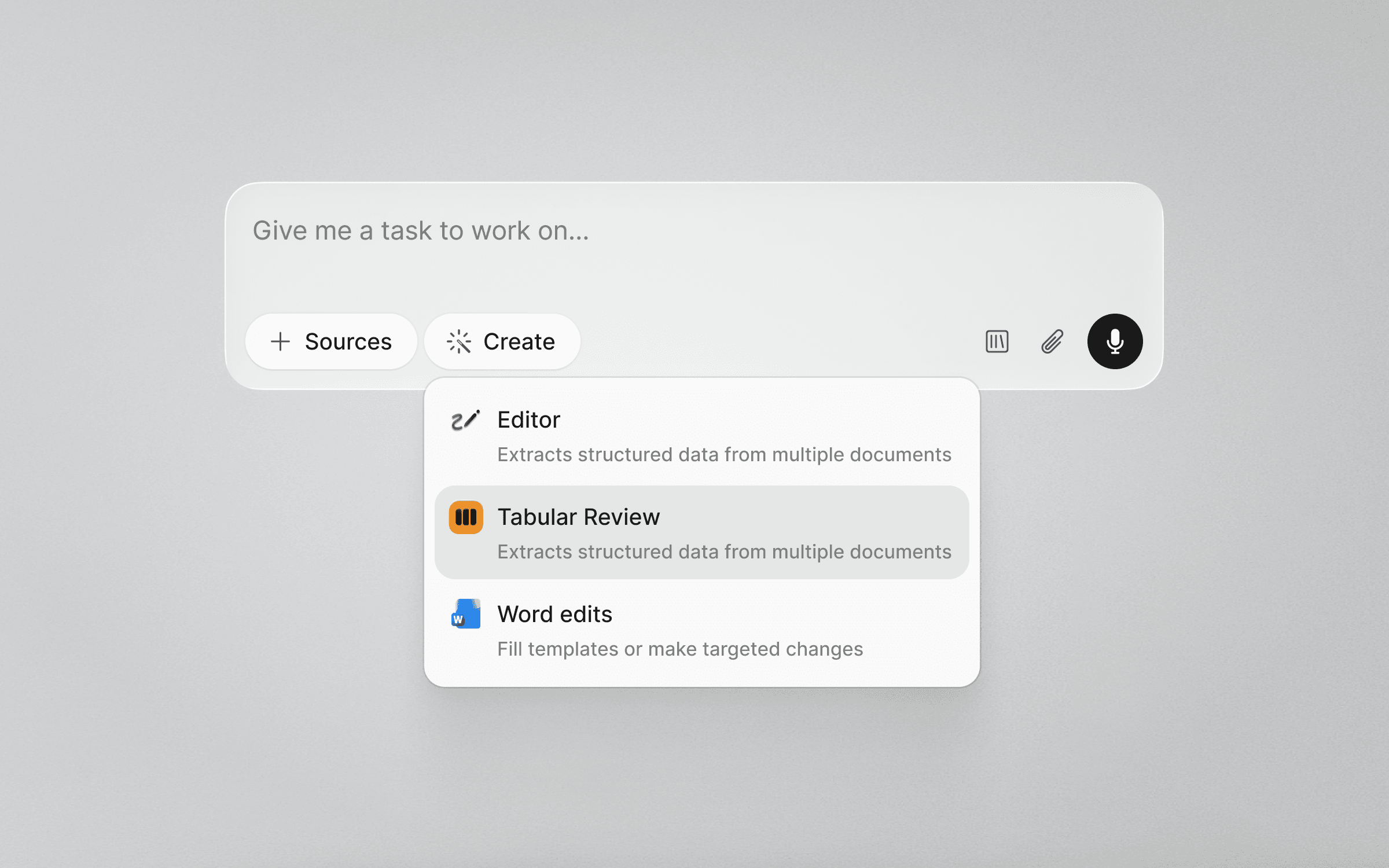
Assistant can now create Tabular Reviews from any chat window, based on the documents you’re working with in your chat. Just open the Create dropdown menu and select Tabular Review. In addition to Tabular Reviews, the Assistant is soon getting equipped with even more tools. Stay tuned.
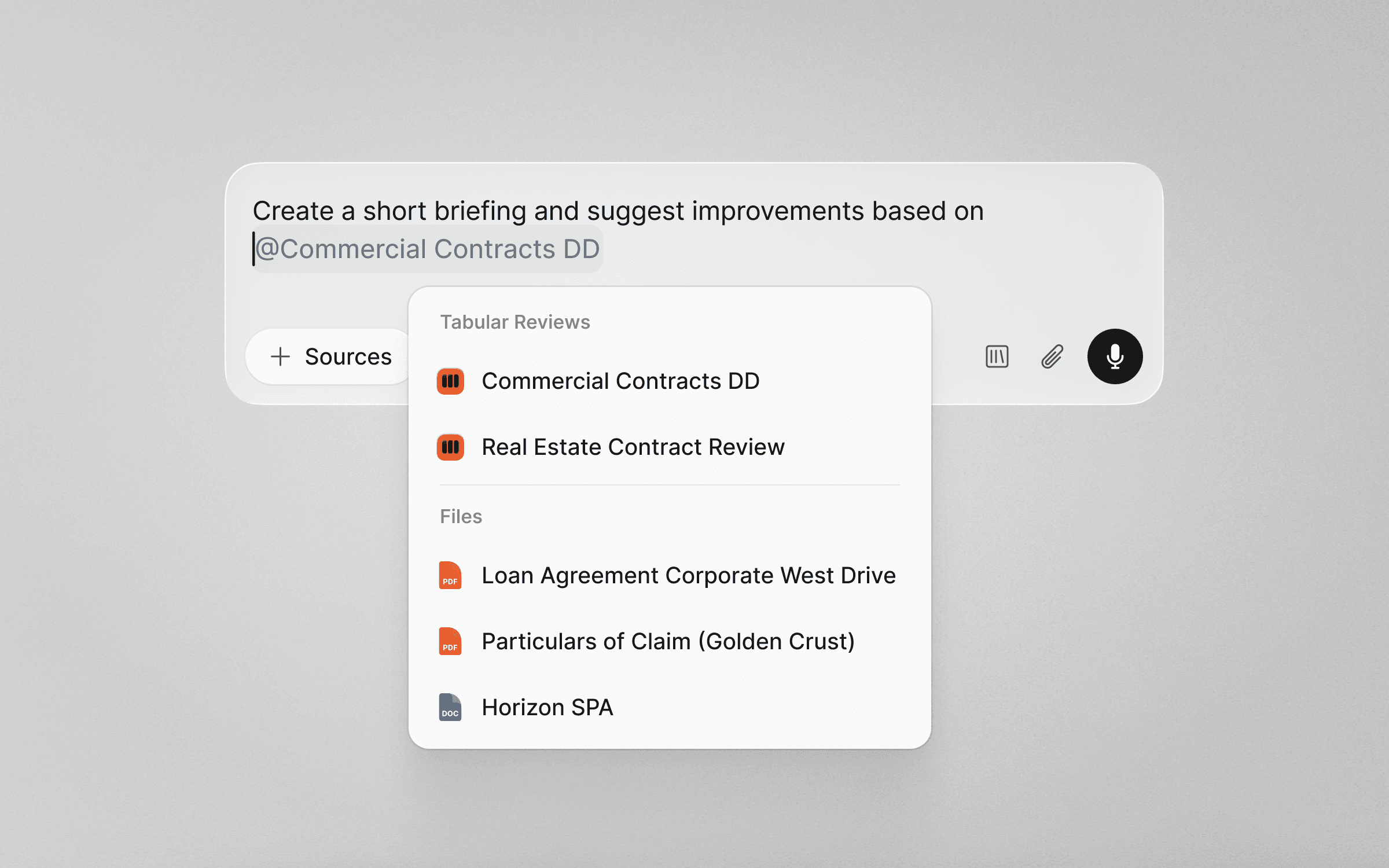
You can now also mention files directly in the Assistant chat window. Just type the @ symbol to pick documents, including Tabular Reviews, from the dropdown. Equivalent to attaching a document, just much faster.
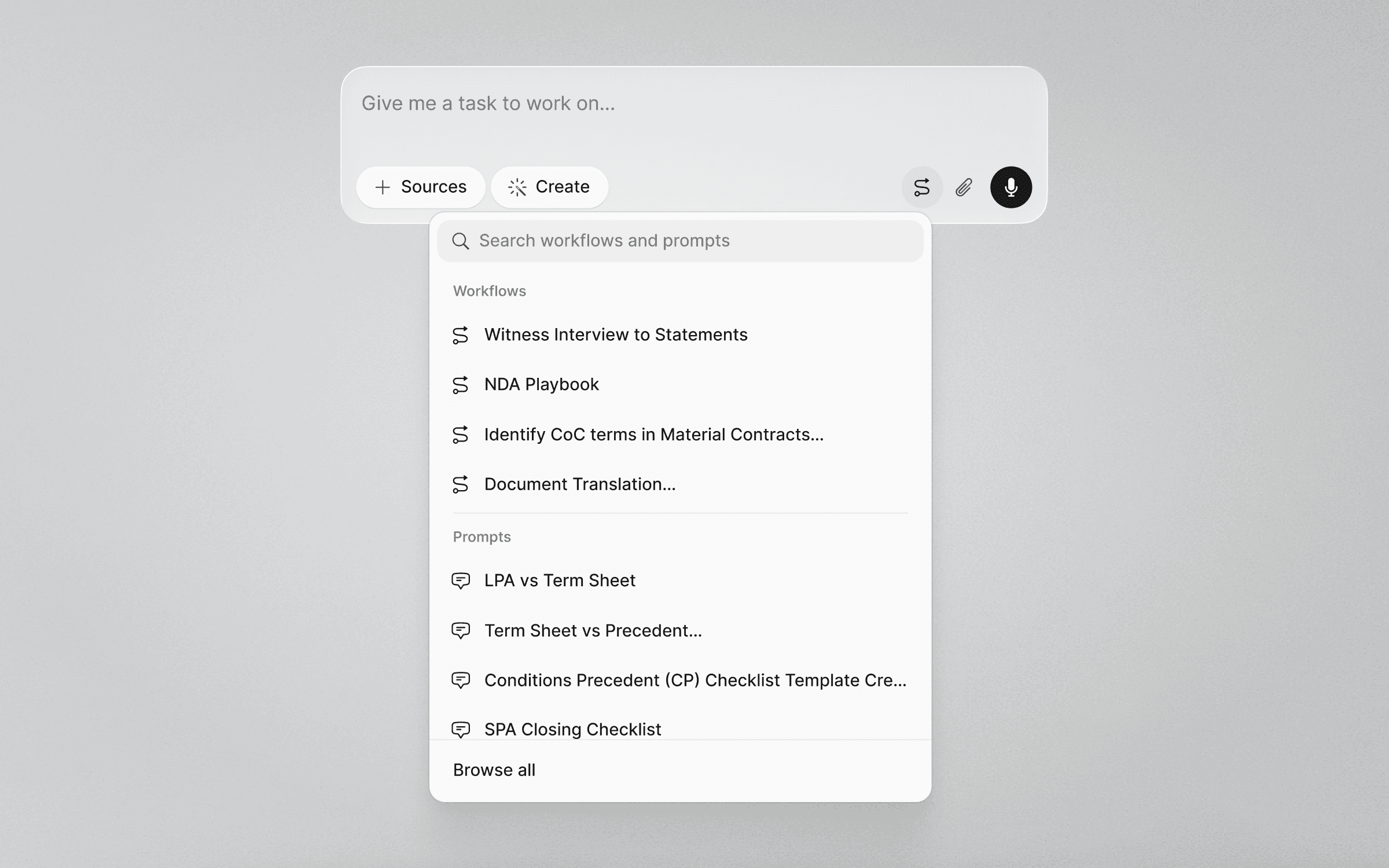
Feeling stuck? Open the Workflow Library to browse Prompts and Workflows. And if you don’t have time to type, use voice mode instead.
How does this help lawyers in real workflows?
The updated Assistant is designed to give legal teams a dependable environment that suits the way they already work. And because the Assistant sits at the core of the Legora platform, this redesign lays the foundation for more advanced features that will continue to improve the whole Legora platform.
If your team wants help exploring the new Assistant experience, we’re here to support you.