We know that legal work tends to live in email, so now Legora does too. We’re introducing two new ways to bring Legora directly into your inbox.
Legal work doesn’t just happen in documents. It happens around them: in long email threads, scattered attachments, last-minute questions, and time-sensitive replies.
That’s why we’re bringing Legora straight into Outlook.
With the Legora Outlook Add-in, you can summarize threads, draft and refine emails, and attach or save files to Legora, without leaving your inbox.
And for those rare few moments when you’re not at your desk, we’re also launching Email the Assistant. Just send or forward an email to Legora with a question or task, anything from pulling key case facts to reviewing a lengthy document, and rest assured you’ll be back at your desk fully prepared.
These features are available for all Legora users. Installation guides and security whitepapers for both the Outlook Add-in and Email the Assistant can be found on our support pages, here.
Email is where work gets done, or stuck
If you’ve ever found yourself scrolling endlessly through an email thread to work out what’s already been agreed, hunting down the latest version of an attachment, or rewriting the same sentence three different ways for three different stakeholders, you know the feeling.
Email is the coordination layer of legal work. It’s also where momentum disappears.
Our goal with this release is simple: reduce the friction between intent (“I need to respond”) and execution (“here’s a precise, confident reply”).
The Outlook Add-in
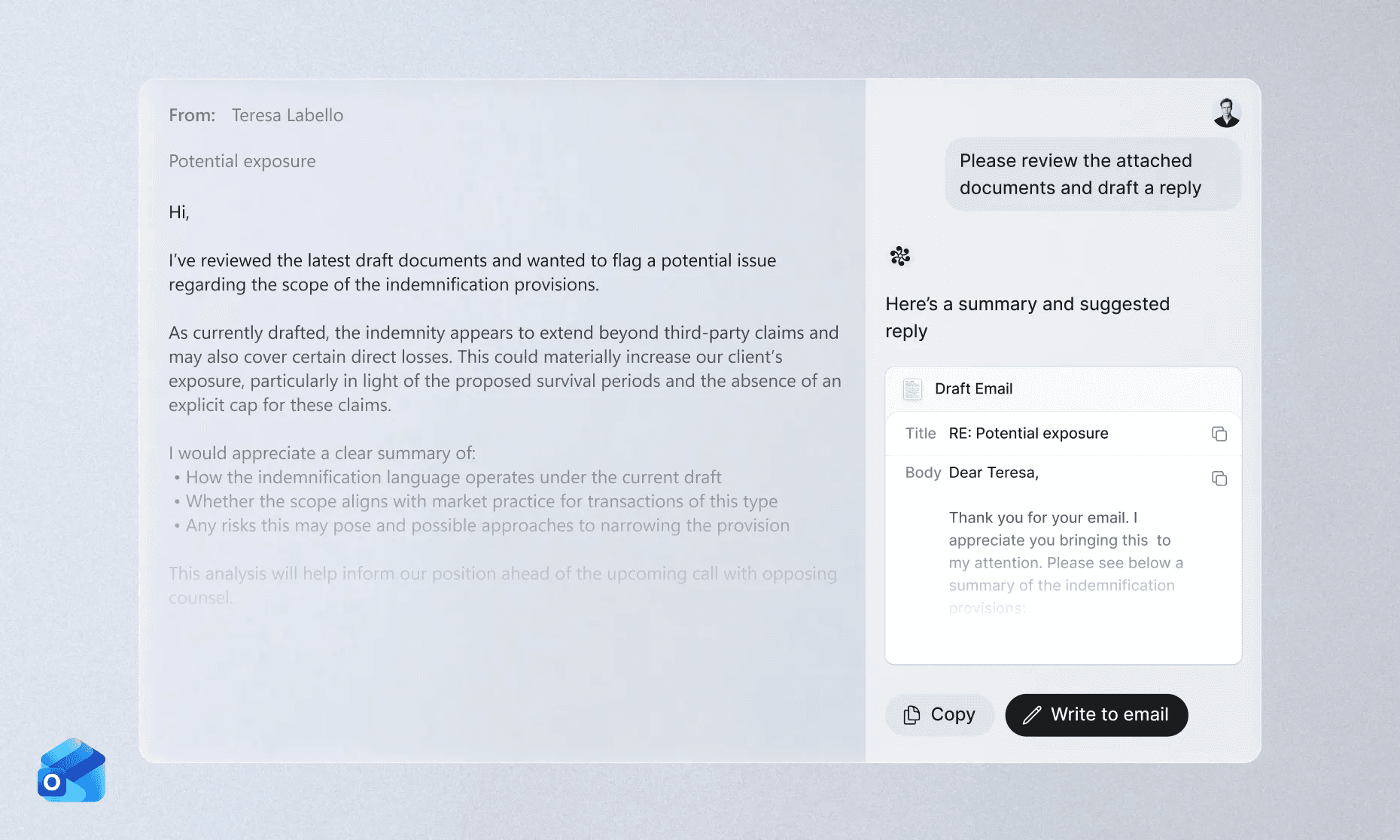
The Outlook Add-in brings Legora’s AI capabilities into the place where legal workflows so often begin and end, Outlook. So what can you do with it? Among other things, it's now much easier to:
Understand long threads instantly
No more reconstructing context from dozens of quoted messages. The add-in helps you summarize threads so you can navigate quickly, spot what matters, and move forward.
Draft and refine replies in seconds
When the right response needs to be accurate and well-phrased, and sent five minutes ago, drafting from a blank page can be a tough starting point. With the Outlook Add-in, drafting, adjusting tone, and clarifying positions take seconds.
Keep attachments connected to the matter
Email isn’t just text. It’s the “final_final_v11” attachments of the world that actually carry the work. With the Legora Outlook add-in, you can seamlessly attach or save files to Legora while staying in Outlook, so your documents don’t vanish into inbox fog.
Email the Assistant: delegate a task from anywhere
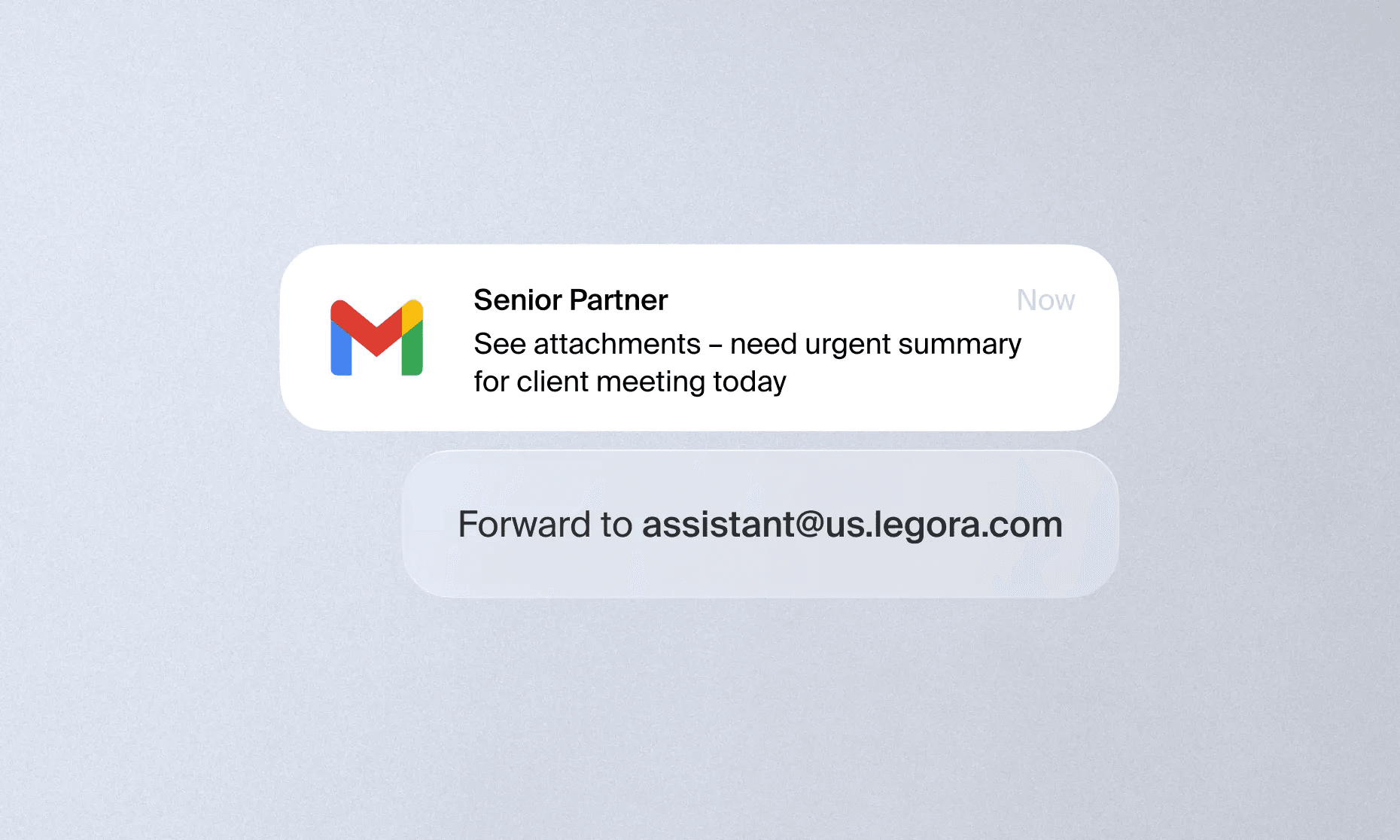
Some of the most useful “assistant moments” happen away from your desk. You’re between meetings, travelling, walking into a client call and suddenly need one key detail. Or you’re triaging a late-night thread and want a head start for tomorrow.
Email the Assistant makes Legora easier to reach. Simply email the Assistant with a task and return to your desk ready to get it done.
What’s next?
This is a big step toward something bigger: a Legora experience that’s present across the tools where legal work happens: in documents, reviews, research, and now your inbox. If you’d like to see the Add-in and Email the Assistant in action, speak to your Legora admin, or if it’s already been approved, install it here.