Drafting has never suffered from a lack of tools. It has suffered from being disconnected from the work that informs it.
Research, review, and analysis now happen in connected, intelligent environments. Drafting has remained disconnected, pulling lawyers out of context just as decisions need to be translated into language.
Editor is Legora’s dedicated drafting environment. It lets you draft legal documents directly where your analysis already lives, edit and refine with both colleagues and Legora in real time, and export to Word using your own templates and formatting.
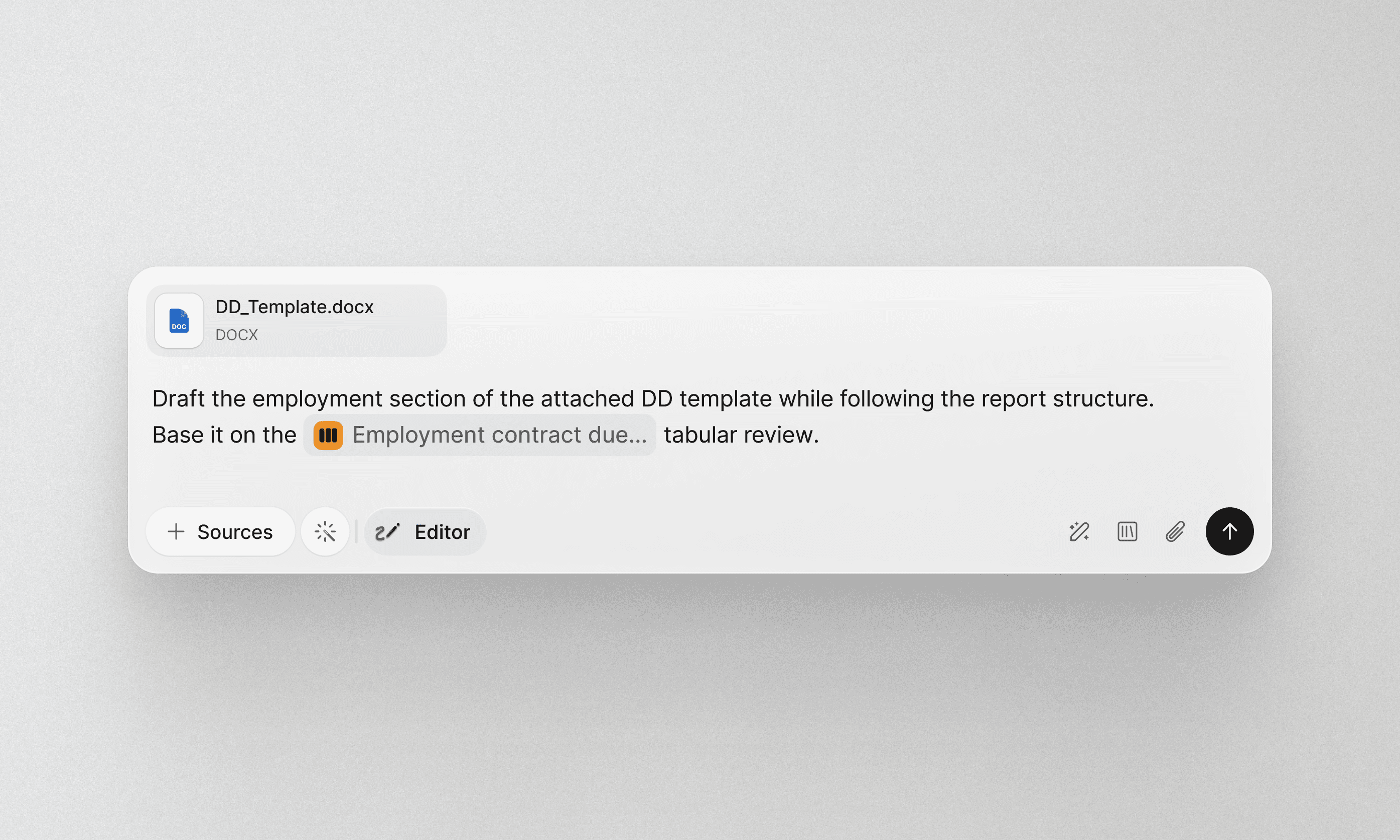
Draft from analysis, not from scratch.
Legal drafting does not start with a blank page. It starts with structured thinking, an analysis or review.
Editor turns that structure into a first draft.
For example, after completing a Tabular Review, whether of clauses, regulatory requirements, or deal terms, you can generate a first draft directly from that review and begin editing inside of Legora. Editor uses the structure, sources, and conclusions already developed to produce clear, well-structured legal prose with citations intact.
Your analysis stays connected to the draft that follows.
Draft with the full power of Legora
Editor is not a standalone editor. It’s part of the Legora platform.
While drafting, you can:
Hover over text and instantly see the underlying data source it’s based on
Ask Legora to tighten language, adjust tone, or clarify reasoning
Explore alternative phrasing where precision matters
You remain in control of every change.
Collaboration. Where the work is.
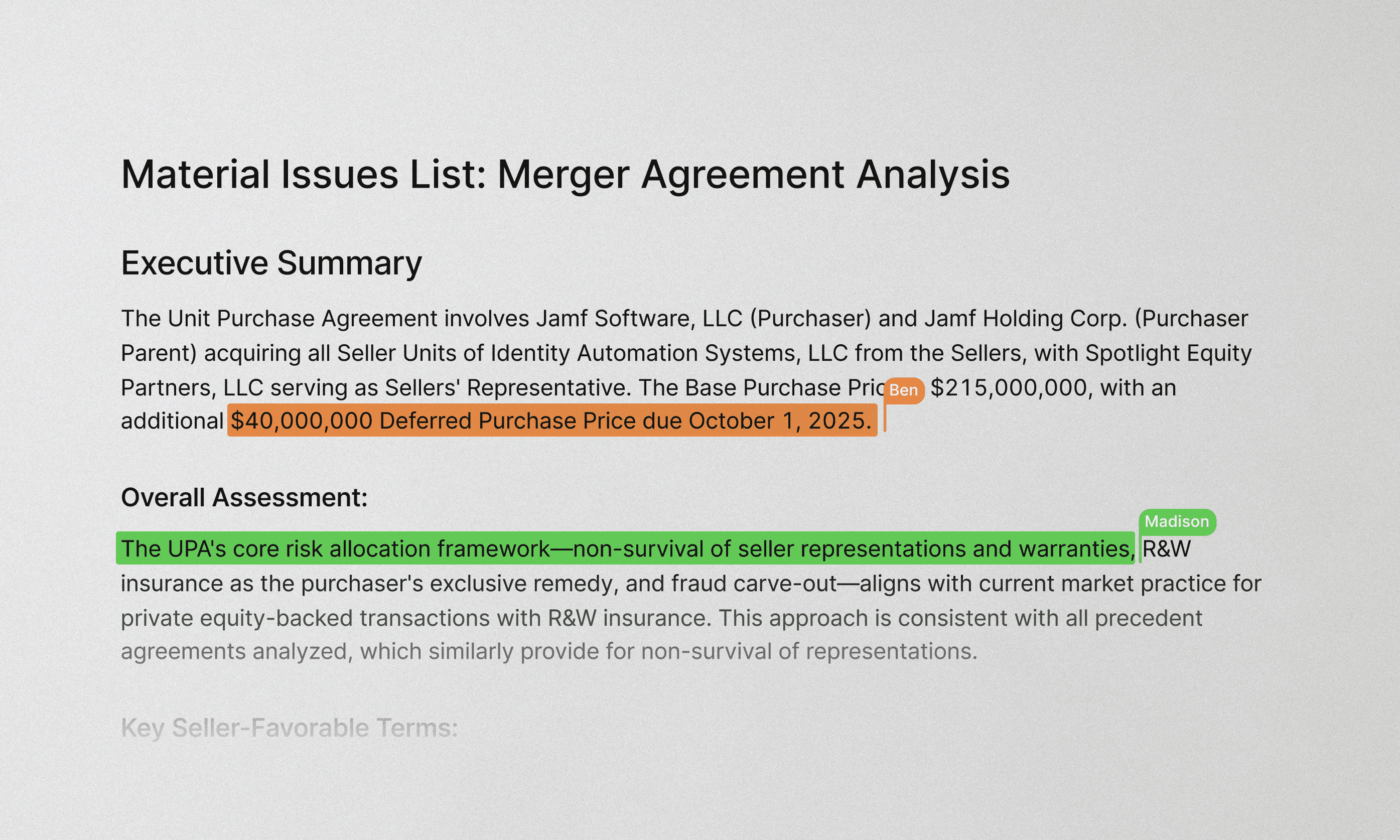
Drafting involves multiple reviewers, opinions, and iterations.
Editor keeps all of that in one place.
Invite colleagues into the document. Review suggestions from both Legora and your team side by side. Accept or reject changes with full visibility into what has been modified and why. Keep discussion tied to the text, not spread across inboxes.
Output made for your workflow
Editor is designed for drafting in Legora, but delivery still happens in Word.
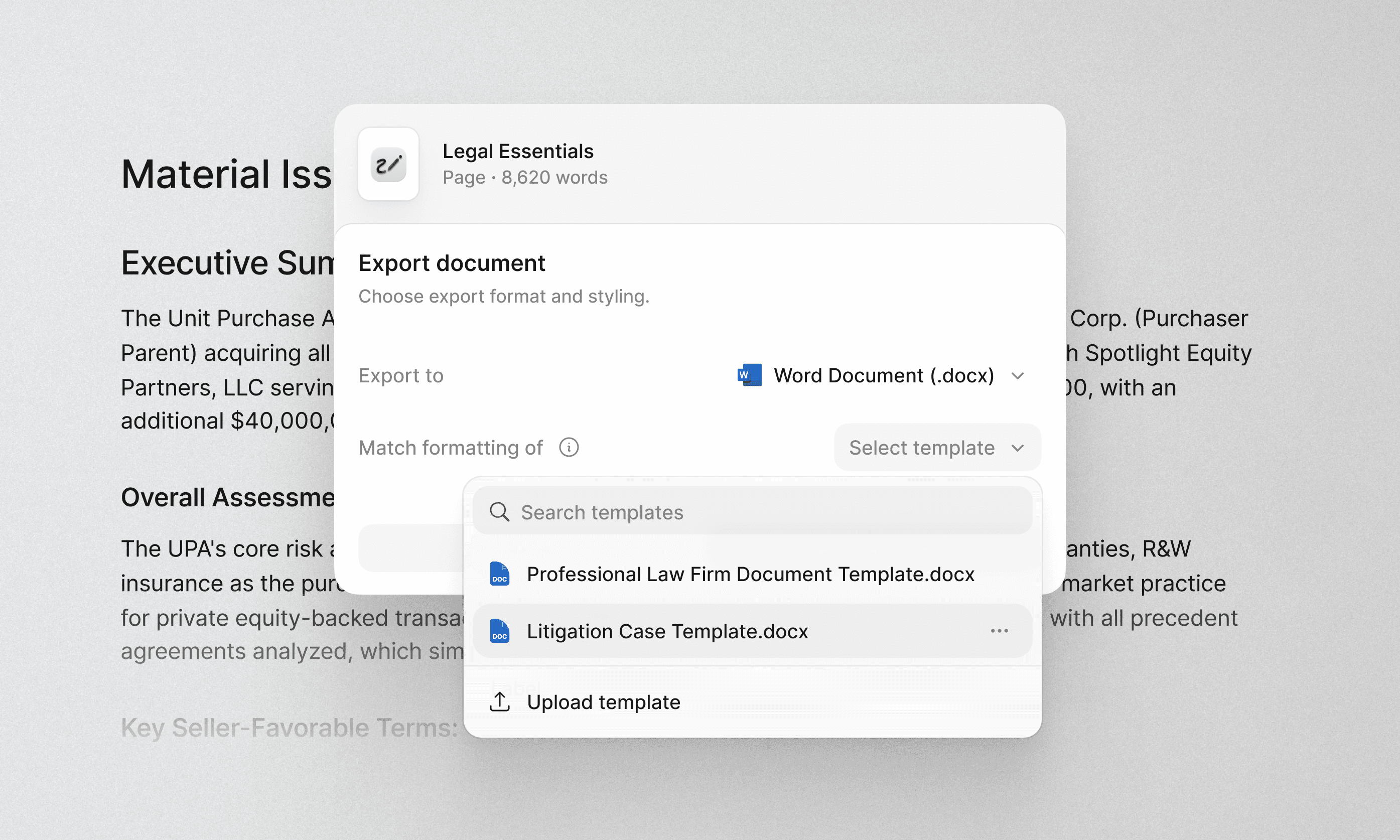
Export documents with your formatting preserved. Apply your house style, maintain structure, and deliver work in the format clients and colleagues expect.
Editor and the Word Add-in
Both Legora’s Editor and Word Add-in support drafting, but they’re designed for different moments in the workflow.
Use Editor when drafting and collaborating from your work done in Legora.
For example:
Turning a bulk contract review into a first draft
Generating a summary, memo, or report based on legal research
Collaborating on a draft before exporting it to Word in your firm’s house style
Use the Word Add-in when working inside Word.
For example:
Redlining and reviewing existing Word documents
Asking Legora for help when working within a client-provided template
Making targeted edits or improvements late in the drafting process
Drafting, rethought.
Legal drafting has long been fragmented across different tools and formats. Editor brings it all together. Analysis, review, drafting, collaboration, refinement, and formatting. All in one place.
Welcome to Editor.